> ## Documentation Index
> Fetch the complete documentation index at: https://docs.penbox.io/llms.txt
> Use this file to discover all available pages before exploring further.
# Modify an existing form
> Edit an existing form template in Penbox using the Penbox Agent.
You can modify any existing form template at any time using the Penbox Agent.
Go to your Penbox workspace.
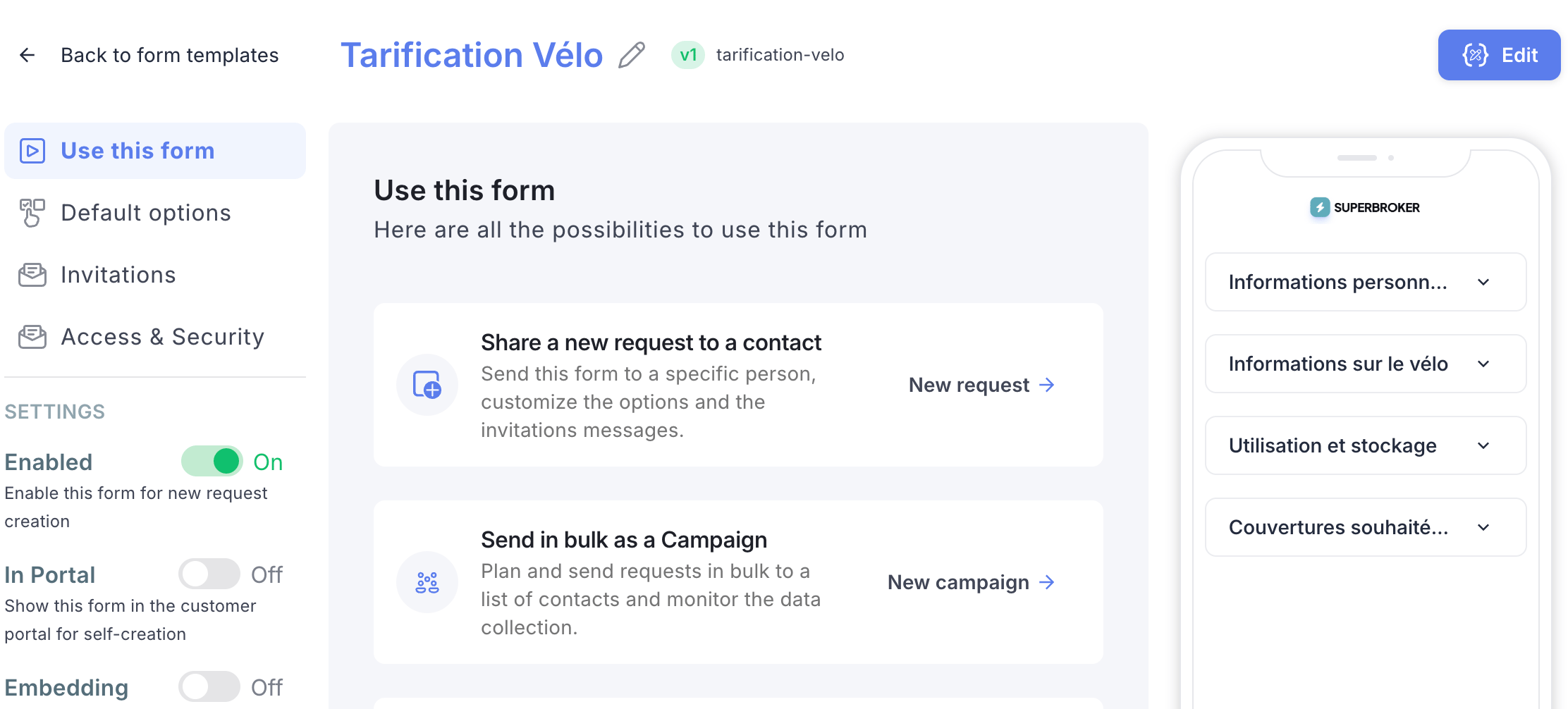
Click **Templates** → **Forms**, then select the form you want to modify.
Click **Edit**.
 Click **Assistant** to open the Penbox Agent.
Tell the assistant the modifications you want to make to your form.
The assistant will describe each action it takes. If any action does not suit you, click **Undo** next to that action.
Browse through all the form tabs — **Welcome page**, **Form**, **Completion page**, **Notifications to contact**, and **Notifications to team** — to verify that the changes meet your needs 100%.
Make sure notifications are set up both for the contact (the person filling in the form) and for the team (the person who sent the form). This ensures everyone stays informed throughout the process.
Once you are happy with the result, click **Publish**.
Only forms sent from this point onwards will inherit the changes. Forms that were already sent before publishing will not be affected.
***
## What's next?
Create a new form template from scratch.
Discover all the ways to send a Penbox form to your contacts.
Click **Assistant** to open the Penbox Agent.
Tell the assistant the modifications you want to make to your form.
The assistant will describe each action it takes. If any action does not suit you, click **Undo** next to that action.
Browse through all the form tabs — **Welcome page**, **Form**, **Completion page**, **Notifications to contact**, and **Notifications to team** — to verify that the changes meet your needs 100%.
Make sure notifications are set up both for the contact (the person filling in the form) and for the team (the person who sent the form). This ensures everyone stays informed throughout the process.
Once you are happy with the result, click **Publish**.
Only forms sent from this point onwards will inherit the changes. Forms that were already sent before publishing will not be affected.
***
## What's next?
Create a new form template from scratch.
Discover all the ways to send a Penbox form to your contacts.