

CasesTasks
Introducing Tasks
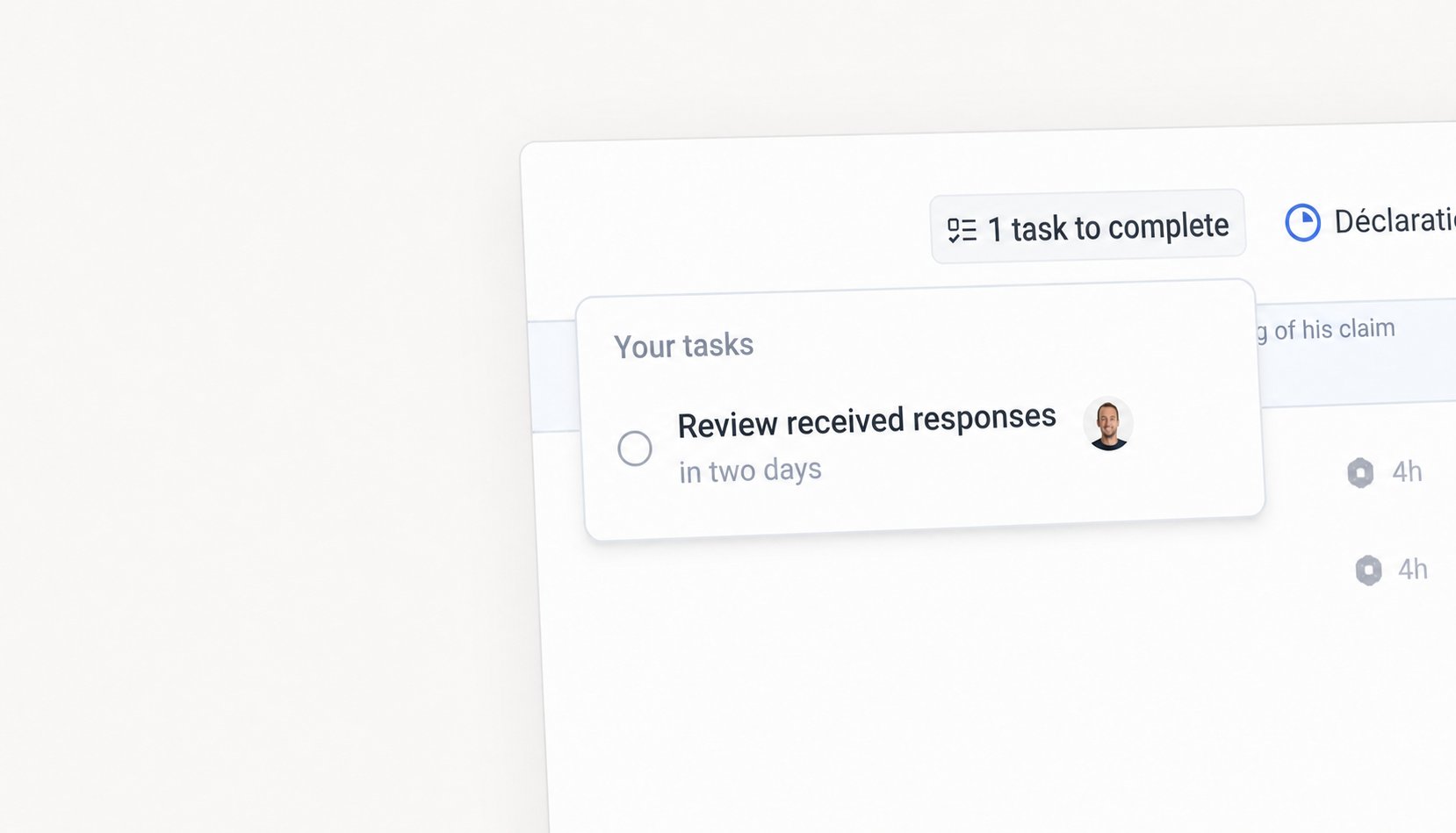
- Your client’s court — “Complete the intake form”, due in a week. It flips to in progress the moment they open the form, and closes by itself when they submit.
- Your team’s court — “Review the submitted answers”, due two days after the form comes back.
CasesEmail
Case collaborators
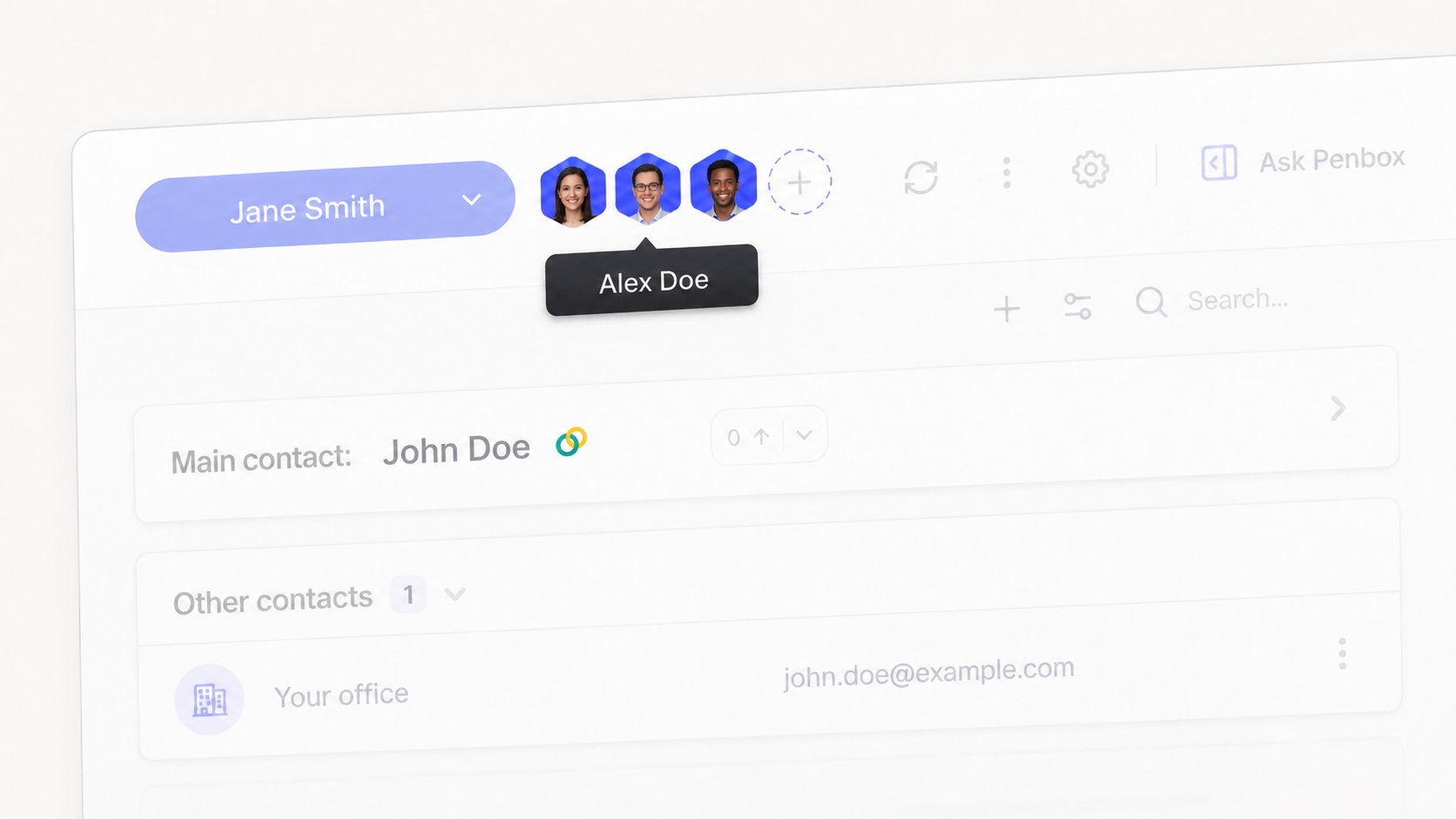
- A colleague emails a case, is CC’d, or replies from a connected inbox — they become a collaborator
- A colleague forwards a client email to Penbox — the client is attached as the contact, and the colleague as a collaborator
- A case template can carry default collaborators, copied onto every case created from it
CasesAI
AI generated fields
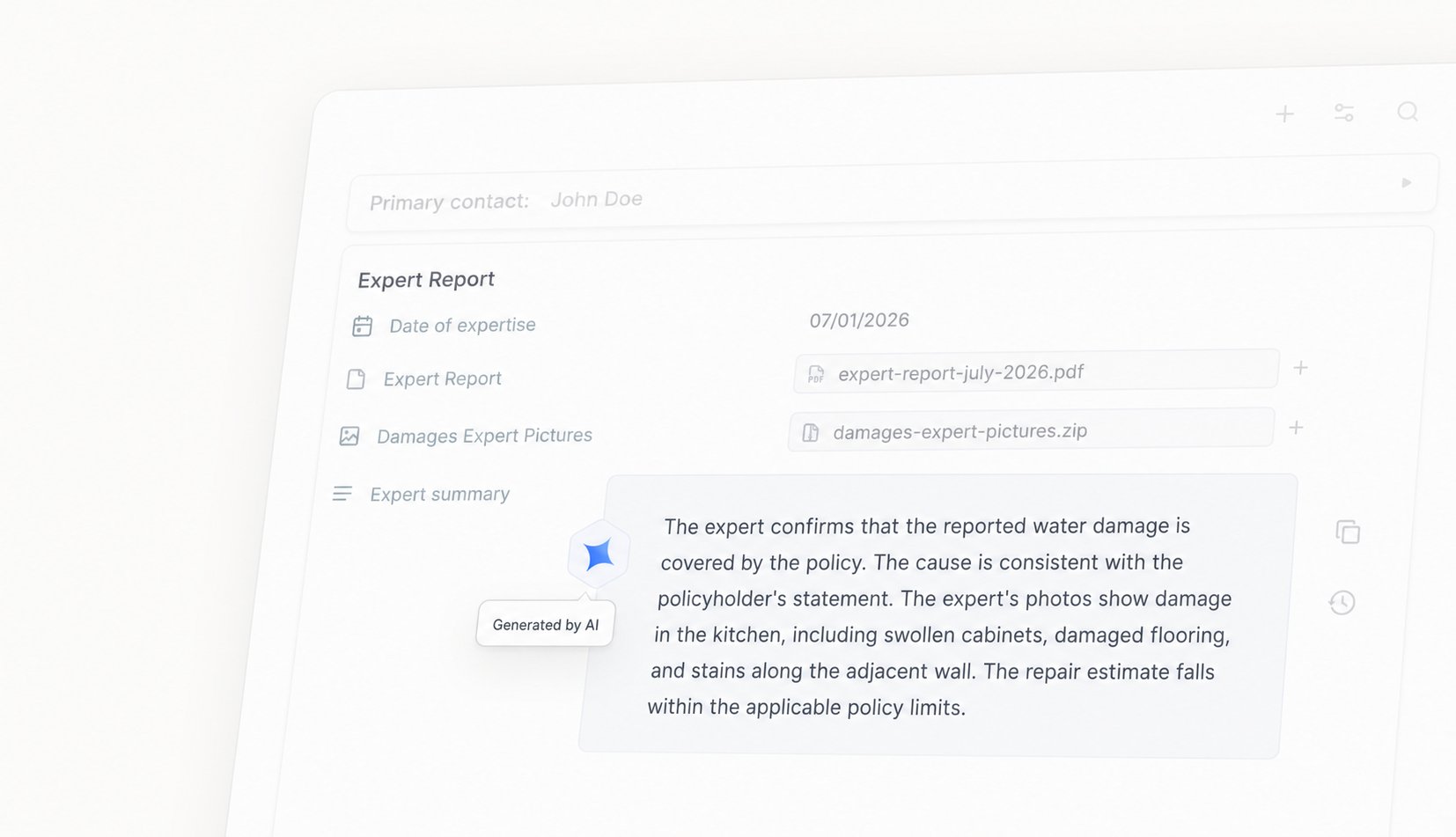
- Summarize a claim as soon as the intake form is completed
- Classify new cases into a category and route them to the matching case template
- Derive a risk level or priority from the answers a client submitted
Cases
Configure your New Case form
Choose exactly which fields the New Case form asks for, and whether each one is required, optional, or hidden. Set it once for the whole workspace, or override it per case template so every kind of case starts with just the fields it needs. Required fields are enforced, so a case can’t be created without them.FormsSecurity
Secure generic links with one-time passcodes
Forms shared through a generic link start anonymous, so anyone with the link could open them. Now, the moment a filler enters their email or phone, Penbox locks the request to that person: reopening it later requires a one-time passcode sent to that same email or number. The person currently filling it in is never interrupted, and the protection can only tighten, never loosen.SignaturesSecurityDocument Intelligence
Improvements and fixes
- Signatures. Requests now complete reliably when the signer is redirected back, and transient hiccups while a signature is being prepared no longer block the page.
- Document Intelligence. Extraction results show the correct field name and type again.
- Sessions. An expired session recovers silently in the background instead of failing your next action.
- Performance. Document generation now runs off the main thread, keeping the app responsive under load.
- Security. Patched high-severity vulnerabilities in axios and multer.
Connections
Connections keeps growing
Since launching Penbox Connections, we’ve deepened the BRIO connector for contacts.Import at scale
Bring in your BRIO contacts in the background with live progress, including contacts that have no email or phone.Add contacts back to BRIO
Add a case contact to BRIO as a party without leaving Penbox, straight from their hover card.Readable everywhere
Party codes now display as human-readable labels, BRIO users are matched to your Penbox workspace members, and connected data appears the moment you open a case, with no refresh needed.OutlookEmailAI