

ConnectionsCases
Claim intervenors, filed in BRIO
A claim rarely involves the policyholder alone: there is the adverse insurer, a repairer, sometimes another company on the policy. You can now name them from Penbox, without opening the claim in BRIO.An intervenor is a case contact with a role. On the contact’s card, record the role, a note, and the third party’s own claim and policy references. When you’re ready, push it to BRIO from the contact card’s BRIO sync chip, which counts what is still to send. Once filed, the role is locked, since BRIO does not allow an intervenor to be edited or removed afterwards.It works both ways: the insurer BRIO files on its own when a claim is created is mirrored back onto the case, in the slot your case template declares for that role. Intervenors are also available in the Outlook add-in.FormsAI
Improvements and fixes
- Currency fields accept a placeholder and a default value.
- File sizes are shown in the form’s language (Mo and ko in French).
- AI failures are visible. When an AI provider fails, the error now surfaces instead of the work being silently dropped.
- Downloads. Files from unnamed form fields get a default archive name.
- Email. Emails sent by Penbox itself are linked to their case as soon as they are received.
Cases
A cases inbox you can shape
The cases inbox now adapts to each kind of case, instead of showing the same columns for everything.Columns per case template
Filter the inbox on a case template and click Columns to pick, reorder, and drag in the fields that matter for it, from the base columns to any field of its data. Data columns show each case’s current value and can be sorted. The same setting is available in the case template’s settings, with a reset to default.Filters on case data
A new Data filter lets you set criteria on the template’s fields, with operators that match the field type: contains, is or is not for text, comparisons for numbers, on, before or after for dates, the option list for choices, yes or no for checkboxes. Criteria combine, chips let you edit them in place, tab counts follow, and the whole filter lives in the URL so you can share it. The search bar also matches a case’s current data values.Export what you see
Export the inbox to CSV or XLSX with your current filters and every data value. You get one file per case template, zipped together when there are several.Know what moved
A real-time unread indicator flags cases with activity you haven’t seen, each case shows its time in status, and a live chip announces new cases as they arrive.Email
Connect a Microsoft 365 shared mailbox
Workspace admins can now connect a Microsoft 365 shared mailbox, such as a claims address, at workspace level. Type the shared address, then sign in as a colleague who holds Full Access and Send As on it. Penbox reads and sends as the shared address, never as the person who connected it.A shared address is recognized as internal: it is never attached to a case as a client contact, and it never receives an automatic draft. The case history says which mailbox a case came from, for example Case created from an email received onclaims@yourcompany.com.CasesConnectionsAI
More from your automations
- Write API responses into case fields. An API Call field can now map its response onto case data fields, so a lookup in a third-party system fills the case by itself.
- Schedule a BRIO activity. A new automation creates a dated to-do on the case’s BRIO party or claim folder, a set delay after its trigger, so an open file is not forgotten when a client never replies.
- A visual editor for AI generated fields. Set up AI generated fields without writing configuration, and see at a glance which fields an automation maintains.
CasesEmailConnections
Improvements and fixes
- New case. The contact field suggests the five contacts you most recently added to your cases.
- Language. A new case takes the language of its case template, and built-in status labels are translated in the API.
- Forms. Form status badges show how many fields are filled out of the total.
- Partners can provision a complete workspace in a single API call.
- Email. The main contact of a case created from an email is decided from the email’s sender and recipients, and an automated mailbox can never become the main contact. Images pasted in an email body are extracted, and email summaries are written in the case’s language.
- BRIO. Emails are filed as
.msg, so BRIO displays them correctly, and claim guarantees use their official labels. - Case header no longer overlaps and collapses progressively on smaller screens.
- Forms. Upload errors are shown in the form’s language.
CasesEmailSignaturesAPI
Improvements and fixes
- AI generated fields shimmer while the AI is writing them, and keep their AI badge afterwards.
- Outlook. An email sent from Outlook lands on its case and closes the matching step.
- Signatures. Requests with several signers no longer send duplicate follow-up requests.
- Email classification takes attachment file names into account. When a mailbox is first connected, emails older than 30 days are no longer turned into cases.
- Contacts. An edit in progress is no longer lost when the contact list refreshes.
- API. Case statuses come with their label, and contacts can be searched with
contact[search]. - Document Intelligence. The button is hidden in workspaces that don’t have the feature.
OutlookAI
An agent at your side in Outlook
The Outlook add-in now carries a persistent agent. It stays with you as you move from one email to the next, works quietly in the background, and keeps its conversation inside the pane.- It drafts for you. Ask for a new email or a reply, and the draft lands as the case’s next step. The agent knows which Penbox draft you have open.
- It never creates a case behind your back. Cases are created only when you ask for one, and Penbox checks for an existing case first.
- Add an email to an existing case when Penbox classified it but you know where it belongs.
- See and change the case owner straight from the case header.
Connections
BRIO: emails and signed documents reach the claim
- Sent emails are synced to the BRIO claim folder, not only the received ones.
- Signed documents are pushed to BRIO, and the standard claim documents now include the VAT declaration, invoices, quotes, communications, and certificates.
- Guarantees show their deductible, and the AI can read the claim’s cover.
- The contract and the vehicle stay consistent in both directions: pick one and the other follows.
- The claim manager is prefilled on cases created from a template.
- Default sync mode. Choose on the case template how its cases sync with BRIO.
CasesEmailDocument Intelligence
New automation steps, and every mailbox in one place
Two new building blocks for case templates
- Internal email step. Notify the case owner or its collaborators by email. It is sent from Penbox, and a reply comes back into the case.
- Update field action. An automation can write a value into a case field directly, with no AI involved. For example, prefix a reference number when a status changes.
Manage every connected mailbox
Settings → Email now lists every mailbox connected to the workspace: shared mailboxes, addresses on your authenticated domain, and your teammates’ personal mailboxes. Each one shows its connection status, when it was connected, and which case templates create cases from it. Admins can disconnect any of them, and choose from a side panel which case templates a personal mailbox feeds.Document Intelligence per field
In AI Extract, each upload field can now use its own Document Intelligence model, Fast or Advanced.OutlookConnectionsAPI
Improvements and fixes
- API. Case statuses are exposed on the case routes, and case template statuses in the public API.
- Assistant. It only changes a case’s status when you ask it to.
- Contacts. Penbox’s own mailbox is never attached as a case contact, and creating a case through the API updates an existing contact instead of duplicating it.
- Incoming email is matched to cases the same way in the add-in and on the server, and a document the case already holds is not classified twice.
- BRIO. The broker claim reference is shown in the claim picker, and a connected section keeps its fields when its record is unlinked.
Document IntelligenceAI
Meet Document Intelligence 3
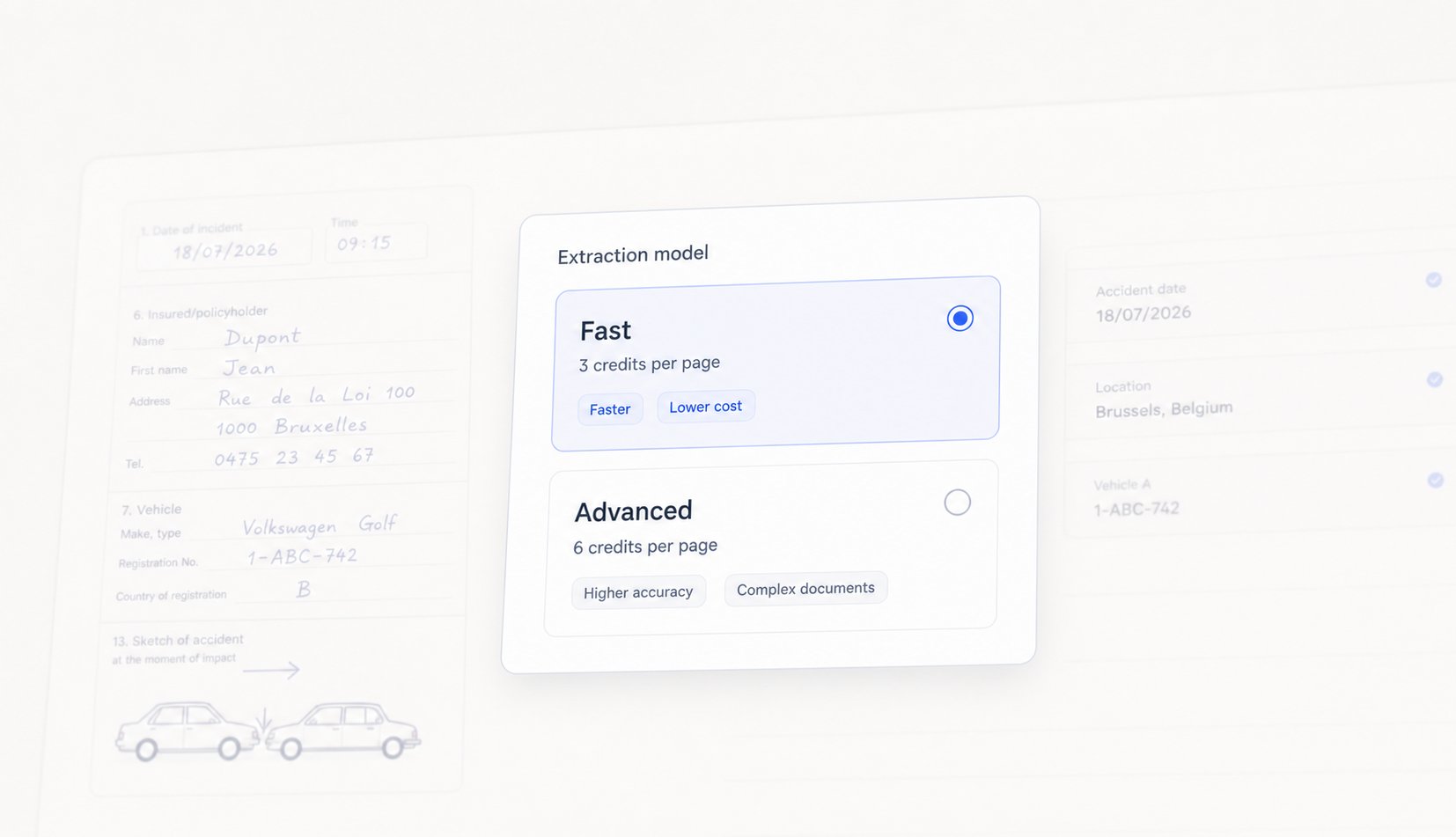
- European accident statements (constat amiable), where handwritten boxes, free text, and the collision sketch have to be read together
- Complex handwritten documents, such as medical certificates and filled-in paper forms
- Documents that need inference, where a field is not written anywhere as such and has to be derived from the rest of the page