

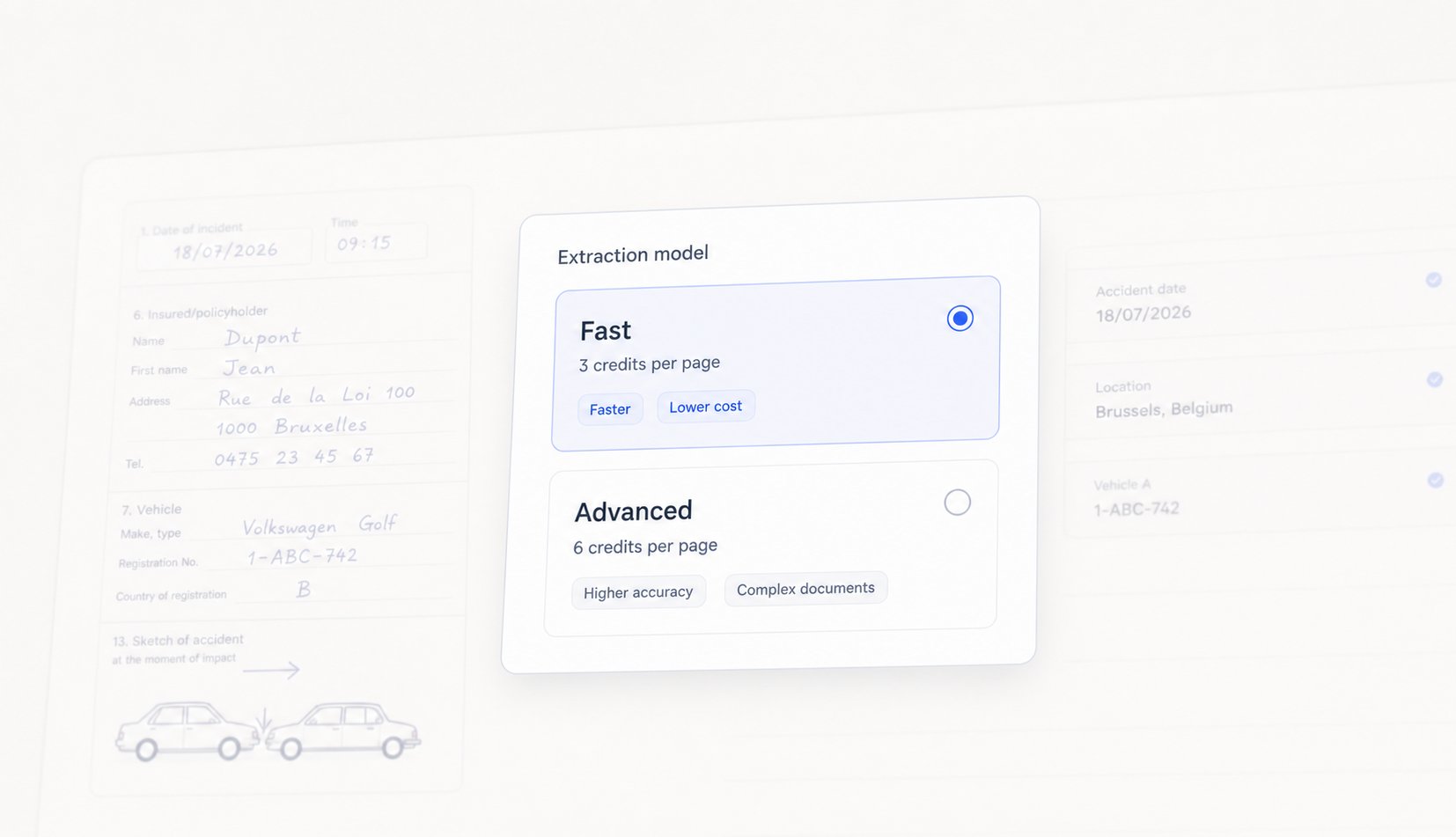
Models apply to Document Intelligence templates. The model you pick changes how a document is read, not what is extracted: your fields, types, and hints stay exactly as you configured them.
What changed in Document Intelligence 3
- Fast replaces the previous extraction model on every existing document type, at the same rate of 3 credits per page. It is 30% faster and 25% more accurate than the model it replaces.
- Advanced is new, at 6 credits per page. It is 50% more accurate and reasons over the whole document instead of reading it field by field.
Fast
Fast is the default model and covers the documents most workspaces process every day: ID cards, bank details, invoices, policy schedules, certificates, and other structured or printed documents where the values sit in predictable places. At 3 credits per page it is the cheapest model, and it is now also the quickest: a page comes back 30% faster than before, with fewer values needing a manual correction afterwards.Advanced
Advanced is built for documents Fast has to guess at. Instead of locating each field independently, it reads the document as a whole and reasons across it, which is what messy handwriting, checkbox grids, and multi page context require. Use it on:- European accident statements (constat amiable). Handwritten boxes, free text, and the collision sketch have to be read together to produce a coherent result.
- Complex handwritten documents. Medical certificates, filled-in paper forms, annotated contracts.
- Documents that need inference. Cases where a field is not written anywhere as such and has to be derived from the rest of the document.
Choosing between the two
Credits
Both models are billed per page processed by the LLM, drawn from your shared workspace credit pool. A five page document extracted with Fast consumes 15 credits, and 30 credits with Advanced.Switching a document type to Advanced changes the rate for pages processed from that point on. It does not re-run or re-bill extractions that already completed.
Enabling Advanced
Advanced is enabled per document type from your workspace settings, or by your Penbox contact. Turn it on for the templates that need it and leave the rest on Fast.Availability
The Fast model is live today in all workspaces. Advanced is available on request, per document type. An Expert model, for the hardest documents, is in development and planned for September.Next Steps
Build your first template
Define what to extract, then test it live
Use a template in a case
Run extraction on upload and map fields to your data schema
Workspace credits
How credits are consumed and renewed
Penbox Agent for DI templates
Build and refine extraction templates with Penbox Agent