

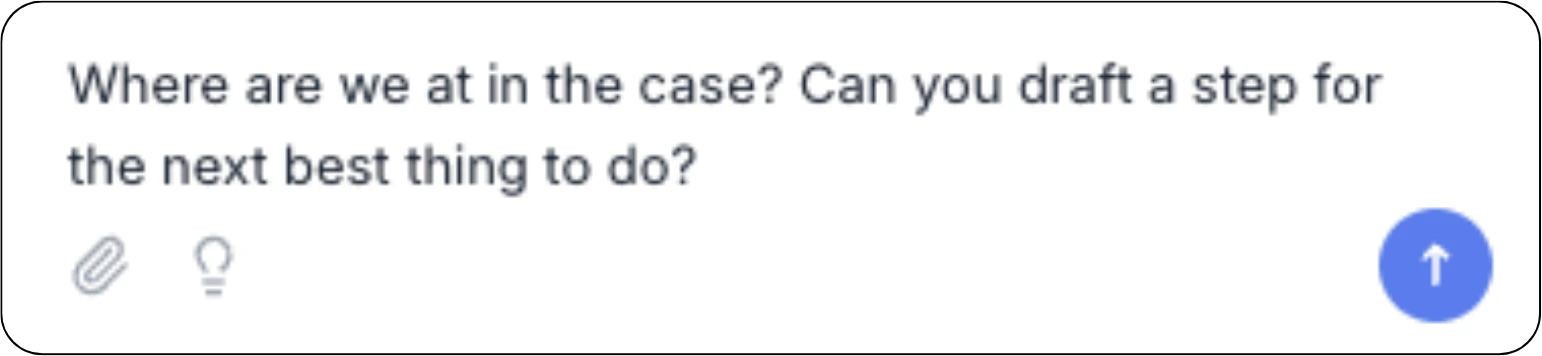
Penbox Agent on a live case operates on the case only. Changes here do not affect
the Case Template or other cases created from it.
What you can do
Read and explain- Summarize the case end to end or focus on a specific moment.
- Recap a conversation: who said what, what was promised, what is pending.
- Find a value: “What’s the IBAN we received?”, “When did the contact reply?”, “What was decided on the deductible?”
- Pull a value out of an email already received in the case.
- Set or clear values on fields in the case schema. Each update lands in the timeline and may trigger automations.
- Group related updates (“set the IBAN to X and the account holder to Y”) into a single batch.
- Add a new field to the case schema.
- Add a section.
- Add a contact role.
- Create a draft email, SMS, or form step.
- The draft uses real case data: names, references, values. No placeholders.
- Review the draft in the timeline. Send it manually.
- Change the case status (picking from statuses defined on the Case Template).
- Set the waiting-for indicator:
owner(the team),contact(an external party), ornone.
- Add or edit reminders on a form step that has not been sent yet.
- Schedule an additional reminder on a form step already sent.
Drafts vs sending
Penbox Agent never sends an email, SMS, or form. Every outbound message is a draft.- You ask Penbox Agent to draft a message: “draft a reminder to Marie about the missing photos.”
- Penbox Agent creates the step on the case using the real names, references, and values.
- You open the draft in the timeline, adjust if needed, and click send.
Example prompts
“Summarize this case in five lines.”
“What did the contact say in their last email?”
“Set the contract amount to 12 500 €.”
“Add a ‘broker’ contact role to this case.”
“Draft a reminder email to the main contact asking for the missing photos of the damage.”
“Move this case to ‘In review’.”
“We’re waiting for the contact now.”
“Add a reminder in three days on the document request form.”
What Penbox Agent does not do here
- Does not send messages. Outbound is always a draft.
- Does not trigger automations. Automations run on their own conditions.
- Does not create internal form steps or signature steps. Those step types stay manual.
- Does not edit the Case Template behind the case. Open the Case Template in Studio for that.
- Does not invent data. If a value is not in the case, Penbox Agent says so.
Next Steps
Cases overview
Cases in Penbox
Case Templates
Design the templates behind your cases
Form Templates
Penbox Agent inside Form Templates
Penbox Agent overview
What Penbox Agent does across Penbox