

What you can do
Form structure- Add, remove, rename, or reorder steps.
- Add, remove, or edit elements inside a step.
- Set conditional visibility on a step, a section, or a field.
- Mark fields required. Set placeholders, hints, and validation (min/max, length, format).
{full_name} = {user.given_name} {user.family_name}) or shared labels.
Sender-filled Options
Configure the secondary form the sender fills in when launching the main form (case type, reference, logo). Values entered in Options become available across the main form and in conditional logic.
Signatures
Add signature elements with the right method: handwritten, SMS code, email code, ID-card reader, Itsme. Configure additional signers, legal notices, and signature placement on documents.
AI extraction on file fields
List the data points the contact’s document should yield (last name, first name, ID number, expiry date). Penbox Agent wires the extraction to the matching form fields.
Invitations and reminders
Configure form delivery and follow-up reminder cadence.
Automations on the form
Trigger an email or HTTP call on form lifecycle events: opened, updated, submitted, declined, or expired.
Translations
Ask Penbox Agent to translate the open form into French, Dutch, German, English, or any combination, and the entire form is multilingual in under a minute. Every visible string the contact sees gets translated: step titles, field labels, hints, placeholders, choice options, validation messages, welcome and ending pages. The form’s available languages list is updated in the same pass. Done manually, this means filling every element’s translation slot by hand, hours of work for each language. With Penbox Agent, it is a one-line prompt.Example prompts
“Add a step that asks for the IBAN and the account holder’s name.”
“Make the email field required and add a placeholder.”
“Show the Vehicle step only when the user picks Car on step 1.”
“Translate this form to French and Dutch.”
“Add a signature step using Itsme.”
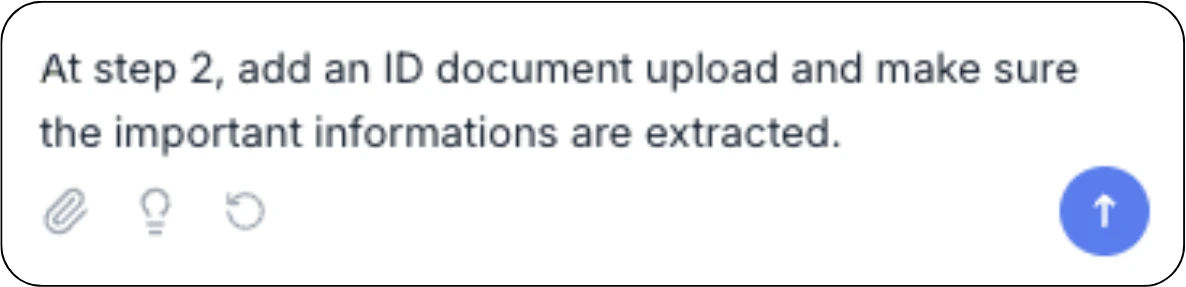
“On the ID card field, extract last name, first name, date of birth, ID number, and expiry date.”
“Build a form from this document.”
Smart suggestions
Click the lightbulb icon in the chat to turn smart suggestions on. With suggestions enabled, Penbox Agent ends each reply with one improvement to consider, like AI extraction on a file field that does not have it, or an obvious required field not marked required. Reply “yes” and Penbox Agent applies it.What Penbox Agent does not do here
- Does not edit forms other than the one you have open.
- Does not send the form. You publish and share it from the form’s invitation settings.
- Does not invent unsupported syntax. If something cannot be done in PenScript, Penbox Agent says so.
Next Steps
Form Templates overview
Form Templates in Penbox
Case Templates
Penbox Agent inside Case Templates
Document Intelligence Templates
Configure AI extraction templates
Live Cases
Penbox Agent on running cases