

What you’ll do
By the end of this guide, you’ll have:- Launched a case from your template
- Sent a form to your new employee and collected their data
- Sent a welcome email
- Closed the case
Make sure you’ve already built your case template before starting. If not, check out Build Your First Case Template first.
1
Launch a new case
Find your case template Collect info about new employee in the Templates section, and click the + button next to it.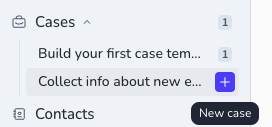
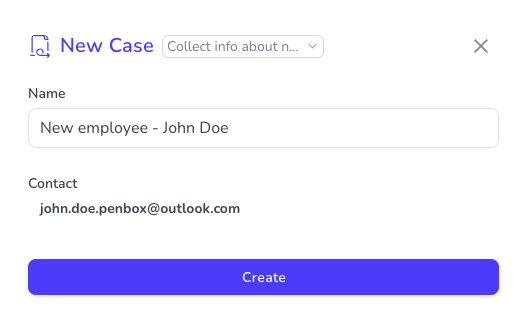
2
Send the collection form
Open your first pre-configured step — the email + form step. Take a moment to review the email and form content, then hit Send.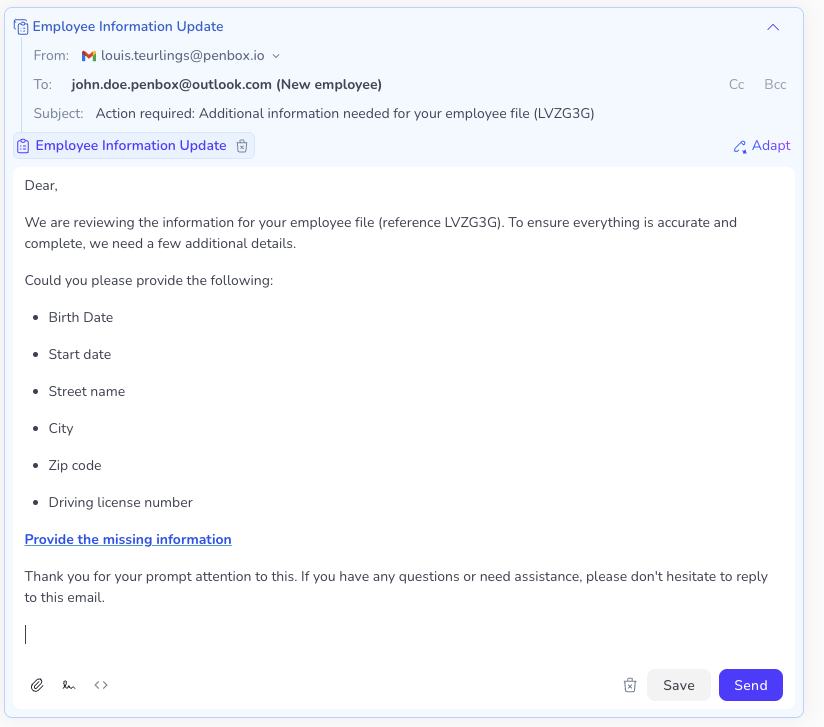
3
Your employee fills in the form
On their side, your new employee receives the email, opens the form, and fills in their details — birth date, start date, address, and so on.
4
Review the collected data
When the first step is completed, you’ll see all the data your employee submitted right inside your case.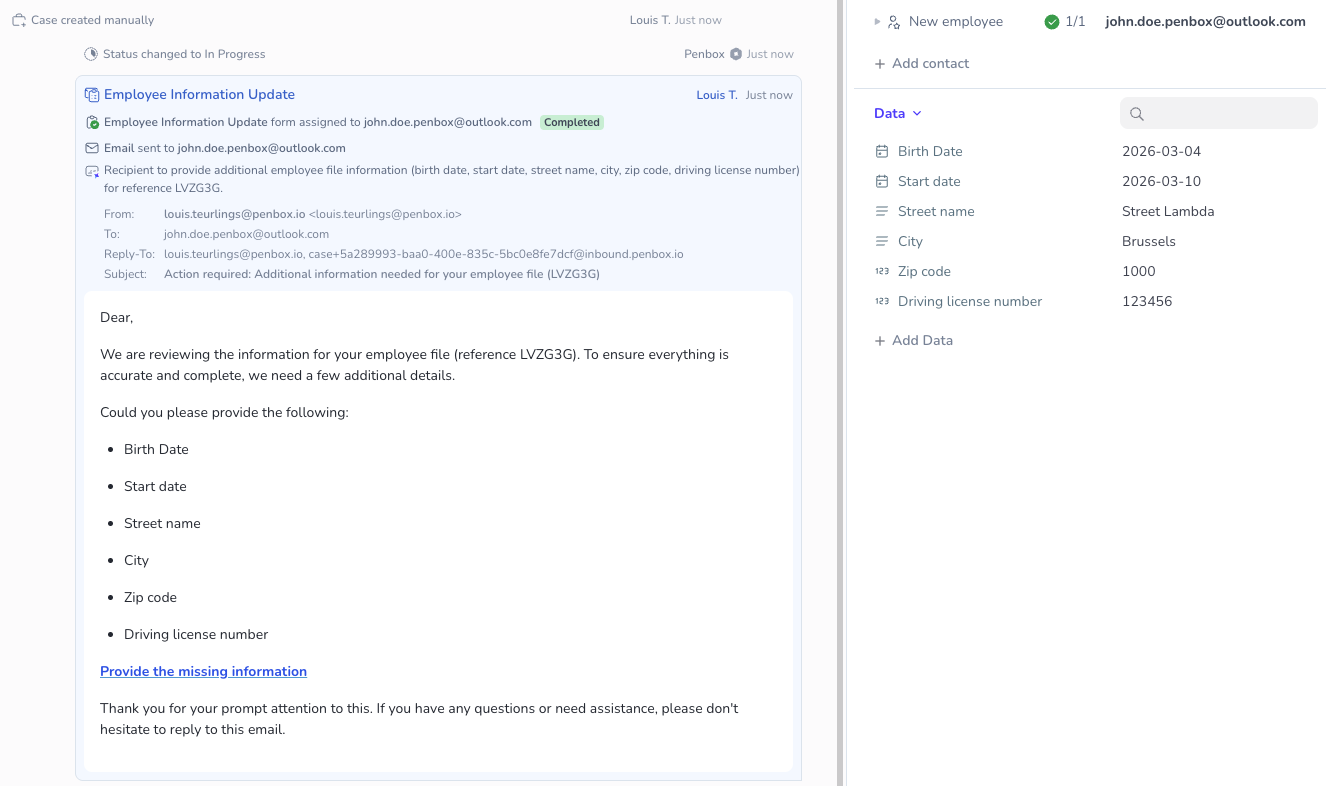

5
Send the welcome email
Now that you have all the information you need, it’s time to move on to step two: thanking your new employee and welcoming them aboard.Open the second step, review the email content (and tweak it if you’d like), then click Send.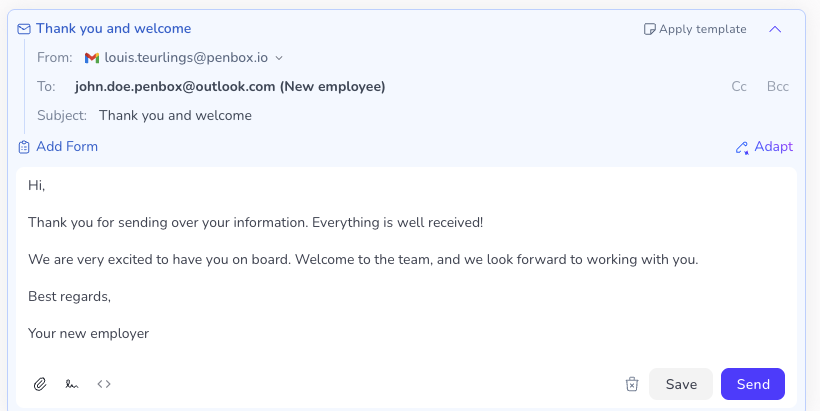
6
Close the case
Both steps are done — the data is collected and your employee has been welcomed. Time to wrap things up.Click on the status of your case and switch it to Closed.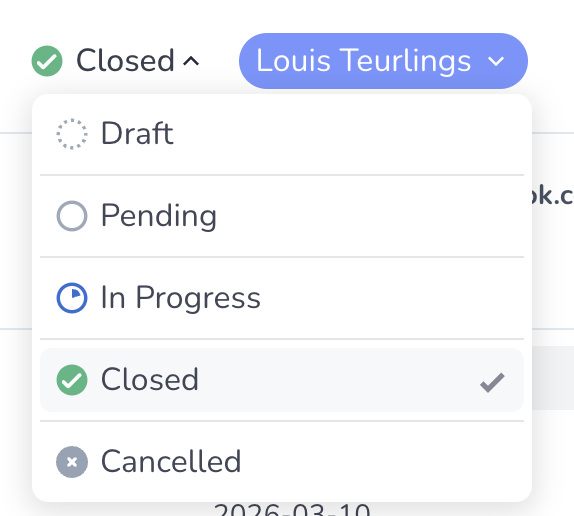
Recap
Here’s what just happened in a few clicks:- You launched a case from your template
- Penbox sent an automated form to your new employee
- The employee filled it in, and the data landed directly in your case
- You reviewed (and optionally edited) the data
- You sent a welcome email
- You closed the case
What’s next?
Scale it up
Use the same template every time you onboard a new employee. Each case runs independently.
Refine your template
As your onboarding process evolves, update your template with new steps or additional data fields.
Explore more use cases
Case templates aren’t just for onboarding — use them for client intake, document collection, vendor qualification, and more.