

1
Open your workspace
Go to your Penbox workspace.
2
Go to your form template
Click Templates → Forms, then select the form you want to modify.
3
Edit the form
Click Edit.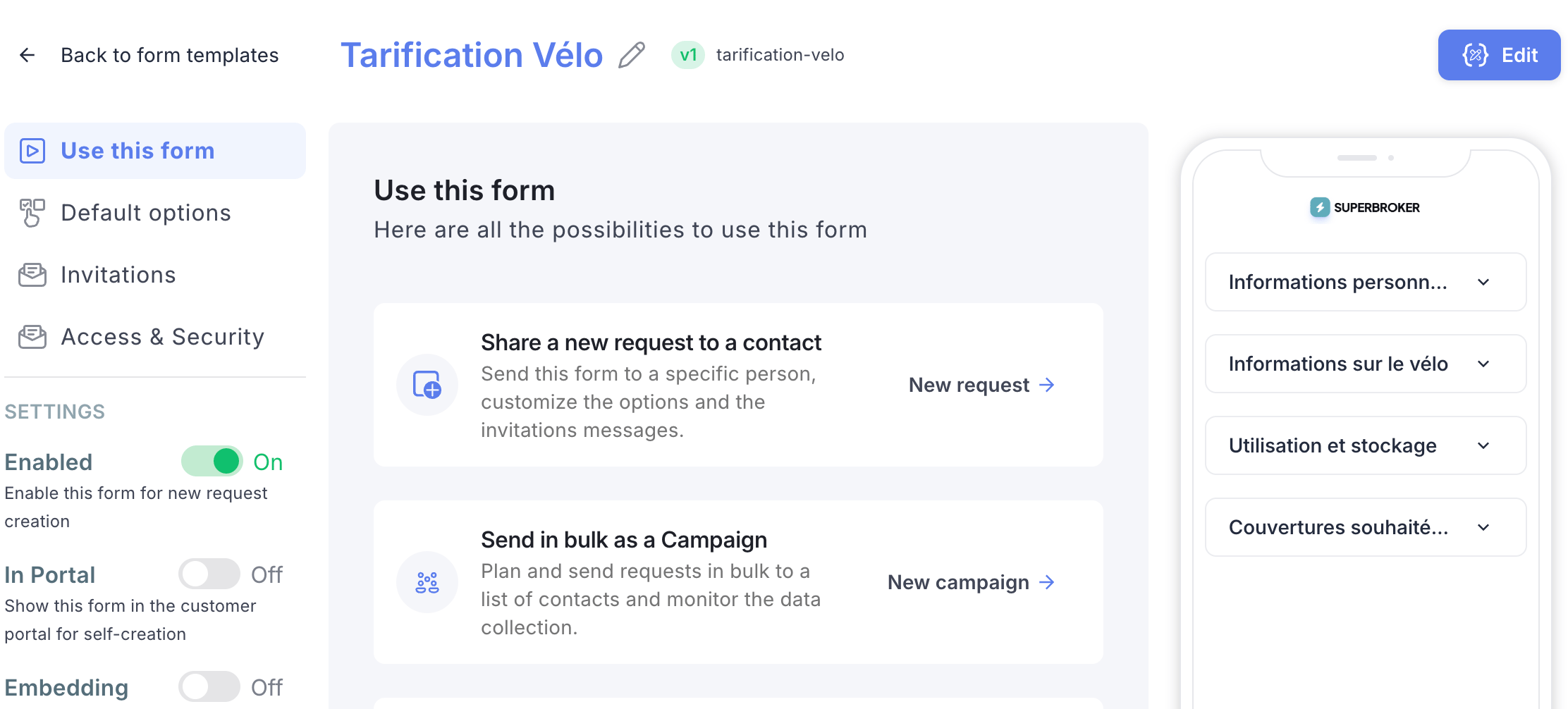
4
Open the Assistant
Click Assistant to open the Penbox Agent.
5
Describe your changes
Tell the assistant the modifications you want to make to your form.
6
Review and undo if needed
The assistant will describe each action it takes. If any action does not suit you, click Undo next to that action.
7
Check all tabs
Browse through all the form tabs — Welcome page, Form, Completion page, Notifications to contact, and Notifications to team — to verify that the changes meet your needs 100%.
8
Publish
Once you are happy with the result, click Publish.
What’s next?
Build your first form
Create a new form template from scratch.
Make a form available
Discover all the ways to send a Penbox form to your contacts.